
Correcting a VAT registration submitted with wrong details
25 October 2024

Correcting a VAT registration submitted with incorrect details requires updating registered particulars through official SARS channels rather than submitting duplicate applications.
When a South African small or medium enterprise (SME) submits a Value-Added Tax (VAT) registration containing inaccurate information—such as an incorrect effective liability date, trade activity code, or banking particulars—attempting to lodge a fresh, duplicate application creates severe administrative delays and profile conflicts within the South African Revenue Service (SARS) system 1 2.
Instead, registered vendors and applicants must use the official SARS Registered Details amendment process on eFiling (Form RAV01) or engage SARS directly via approved channels to rectify erroneous fields 3 4. A clear audit trail supports verification of the corrected registration facts; input-tax eligibility and SARS’s decision remain subject to their separate requirements 5 6.
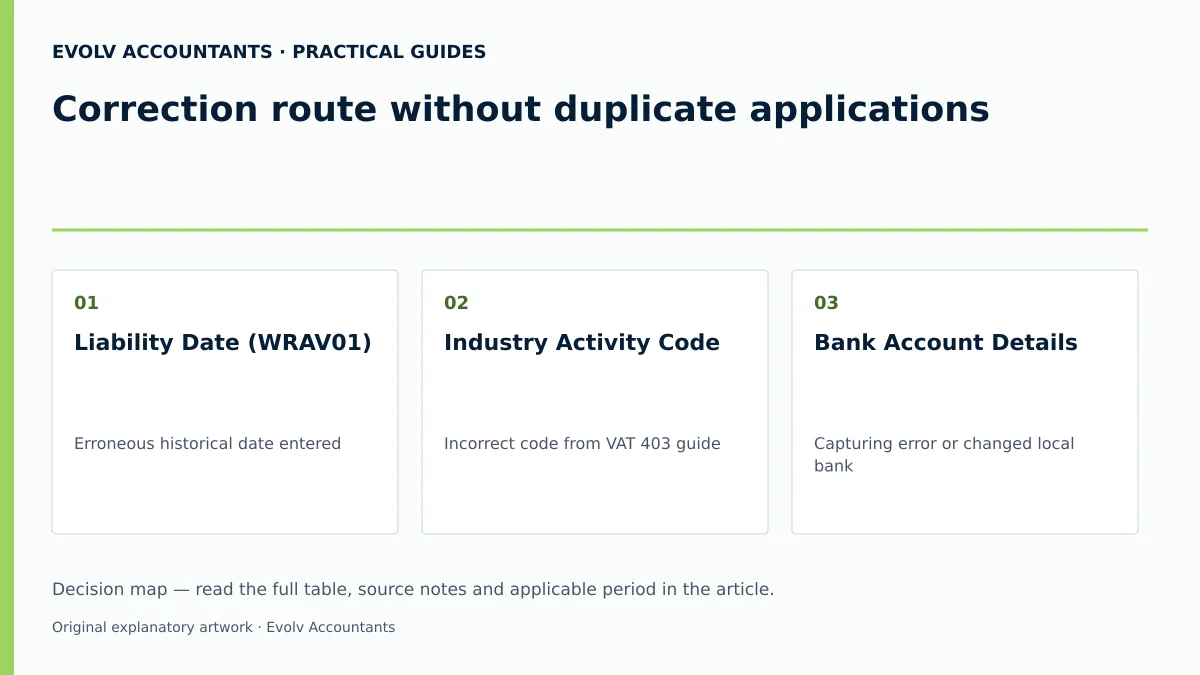
Correction route without duplicate applications
Submitting a secondary or duplicate VAT application when an existing submission contains errors is explicitly prohibited by SARS administrative procedures 1 2. Duplicate submissions trigger risk management flags, freeze processing workflows, and create conflicting tax identity records on the SARS core database 2 7.
— Practical point from this guide
Identifying common submission errors and material consequences
Errors on a VAT application usually fall into specific operational categories, each carrying distinct regulatory and financial consequences:
- Incorrect Liability Date: Entering an incorrect effective date of liability alters the vendor's statutory obligation window 8 9. Backdating a compulsory registration beyond six months cannot be processed automatically on eFiling and requires a branch appointment with historical financial evidence 8. Conversely, an erroneously early liability date creates immediate back-dated filing obligations and potential late-submission penalties 5 8.
- Wrong Business Activity Code: Selecting an inaccurate main industry classification code from the VAT 403 Trade Classification Guide misrepresents the enterprise's operational profile, potentially triggering unexpected risk audits or invalidating specialized tax treatment (such as diesel concessions or zero-rating eligibility) 10 11.
- Inaccurate Value of Taxable Supplies: Misstating historical or projected turnover distorts the registration category 12 13. SARS currently administers a compulsory VAT registration threshold of R2.3 million in taxable supplies over a consecutive 12-month period (effective 1 April 2026) per web guidance 14 15, whereas older guides retain the R1 million threshold 16. This administrative position governs application processing, though it does not constitute an unqualified statutory amendment to Section 23 of the VAT Act 15 16.
- Flawed Banking Particulars: Supplying incorrect bank account details prevents SARS from verifying vendor identity, delaying future VAT refund disbursements and triggering mandatory verification notices 2 17.
Preserve the original records: correction route without duplicate applications
When correcting a registration, taxpayers must maintain strict documentary continuity. Erasing submission histories or discarding initial application records compromises the vendor's audit defense 5 18.
Statutory record-keeping obligations
Under Section 55 of the Value-Added Tax Act 89 of 1991 and the Tax Administration Act 28 of 2011 (TAA), every registered vendor is legally bound to retain financial records, original submission forms, tax invoices, and official correspondence for a minimum period of five years 5 18 19.
To satisfy statutory requirements, Evolv Accountants recommends retaining the following primary records:
- Original Application Logs: Electronic confirmation receipts and PDF copies of the initial WRAV01 / VAT101 submission 4 20.
- SARS Correspondence: All Registration Application Review Notices, case number notifications, and eFiling letter histories 2 6.
- Source Evidence: Bank-stamped account statements, signed customer contracts, lease agreements, and financial statements establishing the true liability date and turnover 21 22.
- Authority Mandates: Valid Power of Attorney (POA) declarations where a registered tax practitioner manages SARS interactions 23 24.
Choose the correct amendment route: documented completion and exceptions
Choosing the appropriate correction mechanism depends on the current status of the registration application and the nature of the error 4 25 26. Identification of Registration Error Verify Updated Notice of Registration
| Submit Supporting | Maintain SARS | |
|---|---|---|
| Documents / Review | Registered Details | |
| Response within 21 | (Form RAV01) on | |
| Business Days | eFiling |
Distinguishing correction channels
- Registration Amendments (Form RAV01): Active vendors or eFiling profile holders update registered particulars—including physical addresses, representative vendors, trading names, and banking details—via the Maintain SARS Registered Details function on eFiling 4 27. The VAT Act and TA Act registration provisions require vendors to inform SARS of any change in registered particulars within 21 business days 18 27.
- Review Response (Pending Applications): If an initial application triggers a Registration Application Review Notice, details cannot be overwritten by lodging a new form 2. The applicant must upload the required supporting evidence referencing the assigned case number within 21 business days 2 6.
- Request for Correction (RFC) on Returns: Errors made on submitted VAT201 returns must be corrected using the eFiling Request for Correction functionality under Section 25(5) of the TA Act, rather than modifying registration data 25 26.
- Formal Disputes (Objection / Appeal): Where SARS issues an assessment or rejects a specific registration date following a review, the vendor must lodge a formal dispute via eFiling under Chapter 9 of the TA Act 28 29.
Make and verify the correction: correction route without duplicate applications
To successfully amend submitted details without creating duplicate profile conflicts, taxpayers should execute the structured operational sequence below 3 4 10.
Numbered correction checklist
- Access Registered Details: Log on to eFiling, navigate to the SARS Registered Details tab, and select Maintain SARS Registered Details 3 4.
- Confirm Access Authority: Accept the authorisation declaration to access maintenance functions. Note that tax practitioners must hold a valid POA, though the primary taxpayer or representative vendor must complete biometric facial authentication where prompted 2 4 24.
- Update Erroneous Containers: Open the VAT container and update the specific incorrect fields (e.g., trading name, activity code, liability date, or accounting basis) 10.
- Attach Validated Evidence: Ensure all supporting documents are recent (not older than three months) and match the updated details exactly 21 30. Unacceptable documents include unfulfilled purchase orders, cash flow projections, or non-factual business plans 31.
- Submit and Monitor: Submit the WRAV01 form. Check the eFiling correspondence page immediately for a Registration Application Review Notice 2.
- Verify Updated Records: Once processed, request an updated Notice of Registration via eFiling or verify active status using the SARS VAT Vendor Search tool 7 32.
Consequences and remaining exceptions: documented completion and exceptions
Correcting registration details has immediate downstream effects on accounting systems, invoicing practices, and tax period compliance 5 33 34.
Downstream compliance checks
SARS generally requires banking details in the vendor’s name. Specified third-party banking exceptions include foreign/non-resident companies and qualifying holding/subsidiary group companies, subject to VAT119i and the supporting evidence required by SARS.
Reproducible hypothetical example
- Scenario: Apex Engineering CC registered for VAT via eFiling, but accidentally selected an incorrect main industry activity code and listed an erroneous liability date of 01 January 2025 instead of 01 June 2025. Realizing the error, the public officer considered submitting a fresh VAT application.
- Action: Following Evolv Accountants' advice, Apex Engineering CC avoided a duplicate submission. The public officer logged into eFiling, accessed Maintain SARS Registered Details, amended the VAT container, and submitted Form WRAV01 4 10.
- Resolution: SARS issued a Registration Application Review Notice 2. Apex Engineering CC uploaded signed customer contracts, bank statements, and its CIPC registration certificate within 14 business days 6 22. SARS updated the liability date and activity code, issuing a revised Notice of Registration without profile disruption 7 32.
Artefact: Correction audit trail
| Original record | Error | Authorised action | Changed record | Proof and downstream check |
|---|---|---|---|---|
| Liability Date (WRAV01) 8 10 | Erroneous historical date entered 8 | Submit WRAV01 amendment with signed contracts 10 22 | Corrected Effective Liability Date 8 32 | Revised Notice of Registration; check backdated tax invoice VAT numbers 32 42 |
| Industry Activity Code 10 11 | Incorrect code from VAT 403 guide 10 11 | Select correct classification code on eFiling RAV01 4 10 | Updated Main Business Activity Code 10 | eFiling profile confirmation; audit category alignment 10 43 |
| Bank Account Details 10 17 | Capturing error or changed local bank 36 44 | Update via eFiling or visit branch in person 44 | Verified Corporate Bank Account 17 44 | SARS bank verification pass; VAT119i hold check for group entities 17 36 |
| Accounting Basis 10 38 | Unapproved payments basis selected 37 39 | Apply for invoice basis alignment on WRAV01 10 45 | Approved Accounting Basis (Invoice) 37 38 | General ledger VAT reconciliation; VAT201 field calculation check 45 46 |
The five-year period is a minimum, not an automatic destruction date. SARS record-keeping guidance requires the relevant records to remain available; retain them beyond the ordinary minimum where an ongoing audit, investigation, objection or appeal or another applicable rule requires it.
Next steps for VAT registration
Managing VAT compliance requires designated internal oversight and continuous monitoring to ensure all registered particulars accurately reflect operational realities 5 18.
Operational control and recurrence monitoring
- Assign a Control Owner: Every SME must formally designate a Representative Vendor (Public Officer or Sole Proprietor) responsible for oversight of all SARS eFiling maintenance and registration data 47 48.
- Establish Recurrence Checks: Implement a mandatory monthly turnover review to monitor the current SARS-administered R2.3 million compulsory registration threshold and Category C (R30 million) thresholds on a rolling 12-month basis 14 33 49.
- Audit Details Annually: Verify registered address, banking, and representative details against official records every 12 months, lodging RAV01 amendments within 21 business days of any operational change 18 27.
Frequently Asked Questions
Can a tax practitioner sign a VAT registration amendment on behalf of a business?
No. While a registered tax practitioner can prepare and submit registration amendments accompanied by a valid Power of Attorney (POA), the application and declarations must be signed or authorised by the individual taxpayer or official representative vendor 23 24 50. Tax practitioners are explicitly prohibited from signing registration declarations on behalf of clients 21 51.
What happens if supporting documents are not submitted within 21 business days?
If required supporting documentation is not submitted within 21 business days from the issuance of a Registration Application Review Notice, SARS will automatically reject the application 6. Review the rejection notice and obtain SARS instructions on the appropriate next step.
How does changing an incorrect liability date affect past tax invoices?
Updating an effective liability date alters the period during which the enterprise was legally required to levy output tax and entitled to claim input tax 5 8. Where a registration liability date is finalised, tax invoices issued during the backdated period may require correction to include the vendor's assigned VAT number 42.
Can VAT refunds be paid into a third-party bank account after correcting registration details?
SARS generally requires banking details in the vendor’s name. Specified third-party banking exceptions include foreign/non-resident companies and qualifying holding/subsidiary group companies, subject to VAT119i and the supporting evidence required by SARS.
Is a duplicate VAT application ever permitted when fixing a submission error?
No. Submitting duplicate applications creates severe system conflicts, processing delays, and risk flags within SARS 2 7. All submission errors must be addressed by submitting supporting documentation against the existing case number or updating details via Form RAV01 on eFiling 2 4.
Related guides
- VAT registration for businesses selling online
- When a South African business must register for VAT
- The Proactive SARS Audit Guide: Keeping Your Business Ledger Sanitised
Sources
- Register for VAT | South African Revenue Service
- Obligations of a VAT vendor | South African Revenue Service
- FAQs for VAT vendors | South African Revenue Service
- https://www.sars.gov.za/wp-content/uploads/Ops/Guides/VAT-REG-02-G01-Guide-for-Completion-of-VAT-Application-External-Guide.pdf
- https://www.sars.gov.za/wp-content/uploads/Ops/Guides/Legal-Pub-Guide-VAT404-VAT-404-Guide-for-Vendors.pdf